Device requirements
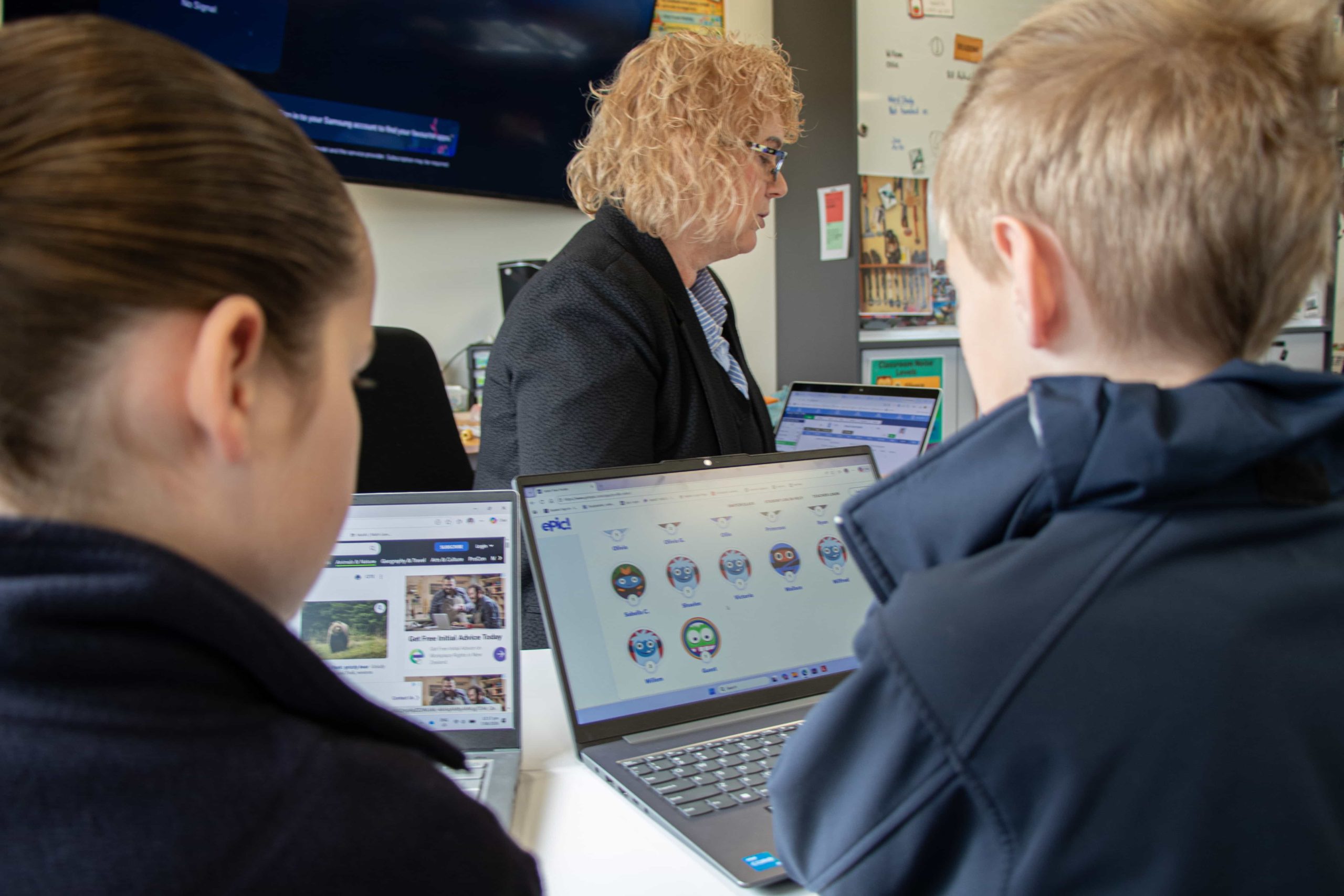
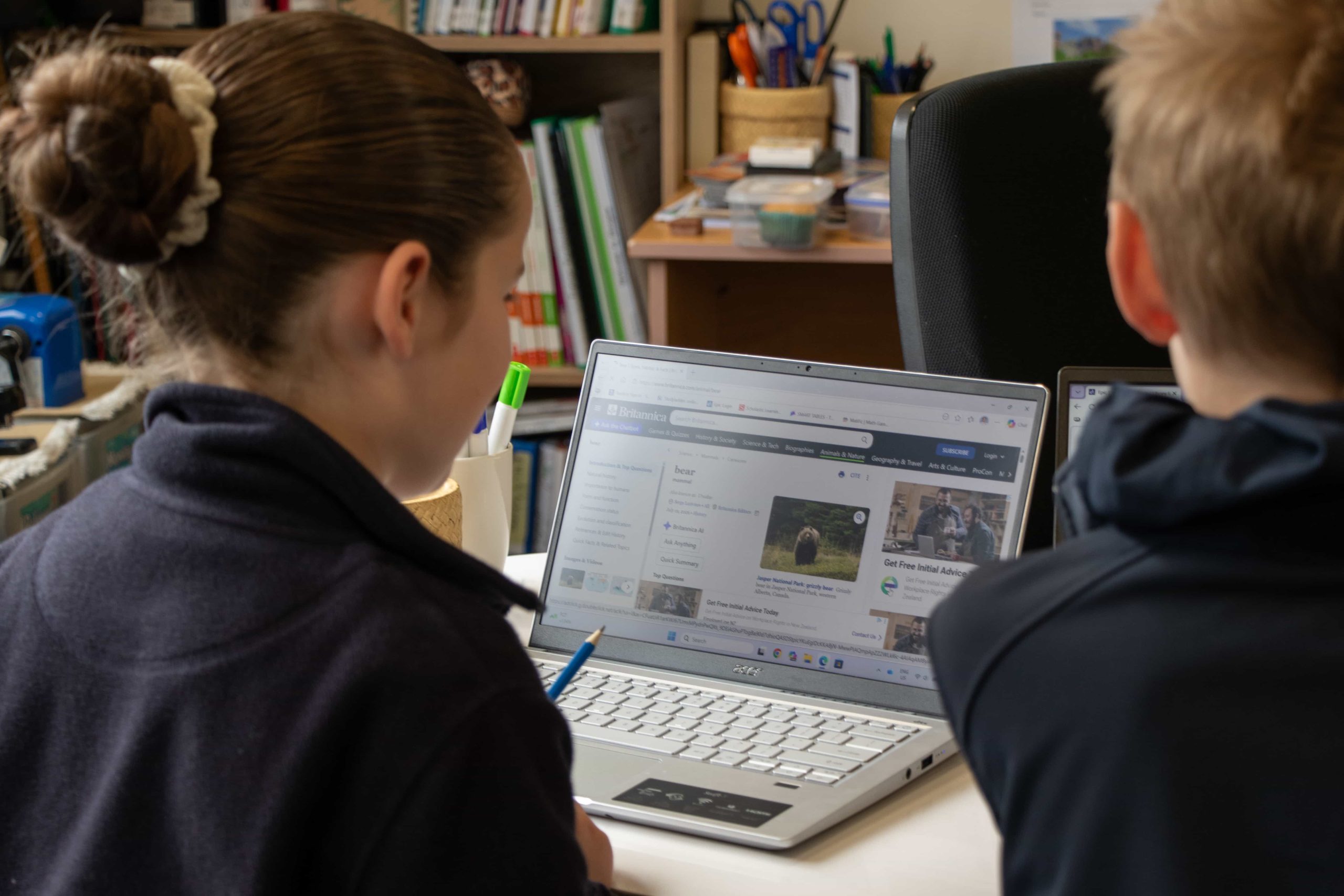
All students from Year 5 to Year 13 use their own laptop or netbook at school. Whether you buy, lease or borrow one, or already have one at home, it needs to be robust enough to last several years.
We suggest sticking to the major, proven brands and buying from a large, established retailer, so the device comes with a guaranteed warranty. As a minimum, every device must have:
- A screen of at least 10 inches (25 cm), measured diagonally
- A battery that lasts a full school day without recharging
- A proper keyboard, not just an on-screen touch keyboard
- A protective case or carry-bag
Our recommendations
- Windows preferred Windows is our preferred operating system, although Apple Mac (macOS) computers are also fine.
- NCEA students (Years 11 to 13) Must use Windows, macOS or a Chromebook. Linux and iPad (iOS) devices do not work with the NCEA exam software.
- Secondary subject software Chromebooks, iPads and tablets may not run the software used in some subjects, such as DVC, Art, Photography and Digital Technology.
- SSD storage We highly recommend a device with SSD storage.
Example devices
There are too many suitable devices to list, so these are suggestions only, not requirements. Keep an eye out for specials, which come up regularly and sometimes include a free carry-bag. We also recommend insuring the device.
| Device | Available from |
|---|---|
| Lenovo IdeaPad 1 15.6" (entry level) (opens in a new tab) | PB Tech |
| Dell 15 Laptop (mid level) (opens in a new tab) | Noel Leeming |
| Lenovo IdeaPad 5 2-in-1 14" (mid to high level) (opens in a new tab) | PB Tech |
Common questions
Microsoft 365 and Adobe Creative Cloud licences are provided to students free of charge. Adobe Creative Cloud is for secondary students only and depends on their subject choices. The subject list and installation instructions are at connect.rnls.school.nz/adobe.
You may be able to borrow one from the school. Please contact the Principal, who is happy to answer any questions. The School Device Lending Policy is in the documents below.
Nick de Roo, our Digital Technologies teacher, is happy to answer questions about the programme. Email Nick.